

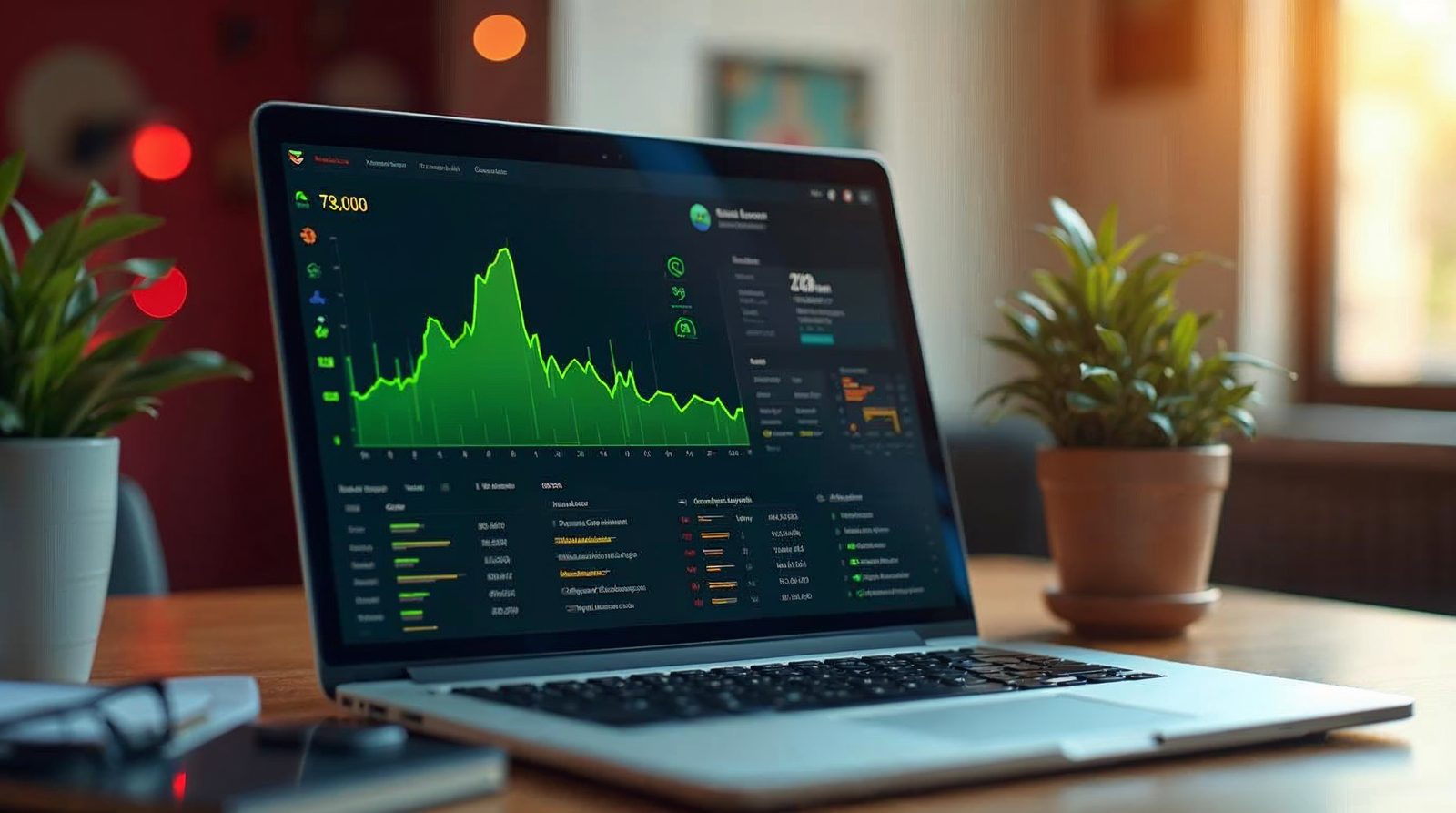
Yes, you can check your uptime yourself. An online monitoring service pings your site on a schedule and emails you if it goes down. It works with any host, including ours.
How uptime checks work
Most uptime services use something called pinging. A ping is a small request sent to your website. If the site answers, it is working. If it does not, the service marks it as down.
The service repeats the ping at set times, such as every few minutes. It keeps a log, so you can see how often your site was up.
How to set up uptime monitoring
Setup takes about ten minutes. Many services offer a free basic account.
Pick a monitoring service
Search for a website uptime monitor with a free plan. Read what the free plan includes before you sign up.
Create an account
Sign up with an email address you check often. This is where the alerts will go.
Add your website
Enter your full address, such as https://www.yoursite.com/. Use the same address your visitors use.
Choose the check interval
Pick the shortest interval your plan allows. Shorter checks catch short outages.
Turn on email alerts
The service should email you when the site goes down and again when it is back up.
Review the report
After a few weeks, open the report. It shows your uptime as a percentage and lists each outage.
What we promise
Our Omaha web hosting plans include free SSL, daily backups, security monitoring and 99.999% uptime. We watch our servers, but your own checks give you proof.
A monitor can also catch problems on your side, such as a broken plugin or an expired domain.

How to read your uptime report
Your report shows uptime as a percentage. A higher number means fewer outages. Look at the list of outages as well, since one long outage can matter more than many short ones.
Check the dates and times too. If a down alert matches a time when you changed your site, the change may be the cause.
Keep the report for a few months. It gives you a clear record if you ever need to talk to your host about a problem.
What to do if your site shows down
First, wait a minute and check again. Some alerts are false alarms caused by a slow network between the monitor and your site.
Next, open your site on your phone using mobile data. If it loads there, the problem may be on your own network. If it is still down, call us.
Do not restart anything or change settings in a rush. Many outages come from a recent change, such as a plugin update. Tell us what you changed last.
Call Websnoogie in Omaha at 402-813-4034 any day from 7 am to 10 pm. We will check the server and tell you what we find.
Common questions
Can I check uptime on any host?
Yes. An online monitoring service works with any host because it only needs your site address.
What uptime does Websnoogie promise?
Our hosting plans carry 99.999% uptime.
Who do I call if my site goes down?
Call us at 402-813-4034 any day from 7 am to 10 pm, and we will check the server.

AboutRod and Tami Atwood
Rod and Tami Atwood and other Websnoogie contributors write the Websnoogie blog. Rod has built websites since 2004 and founded Websnoogie, LLC in Omaha in 2012. Tami is co-owner, content editor and billing expert. Call us at 402-813-4034 or write to staff@websnoogie.com.