
Use the CSS float property on the image. Float it left or right and the text wraps around it. In WordPress you can do it with one button, no code.
Why wrap text around an image
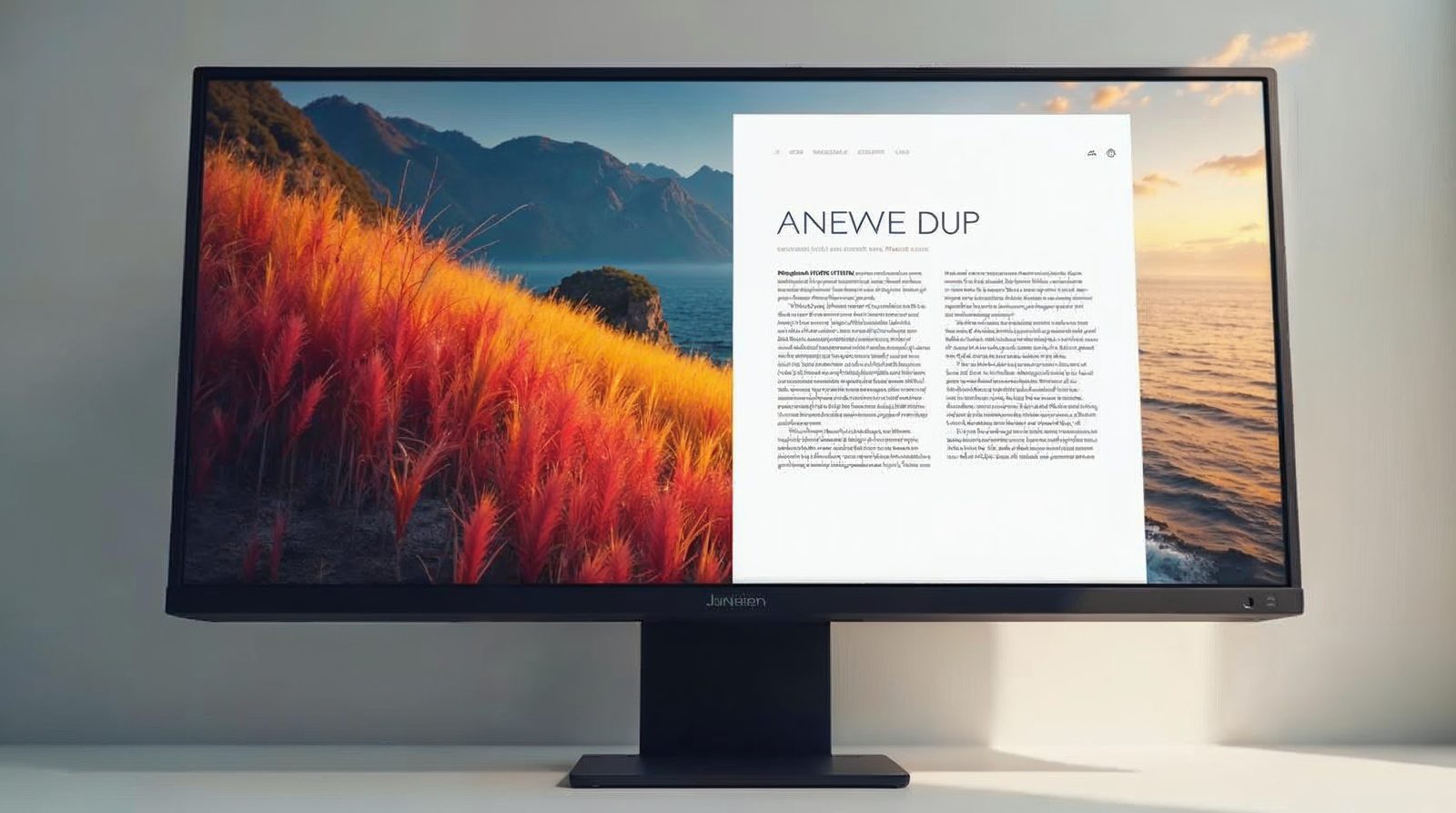
Wrapping puts the words beside the picture instead of below it. The page gets shorter. Visitors scan it faster.
You control this with the float property in CSS, short for cascading style sheets. The browser then flows the text around the image.
How float works
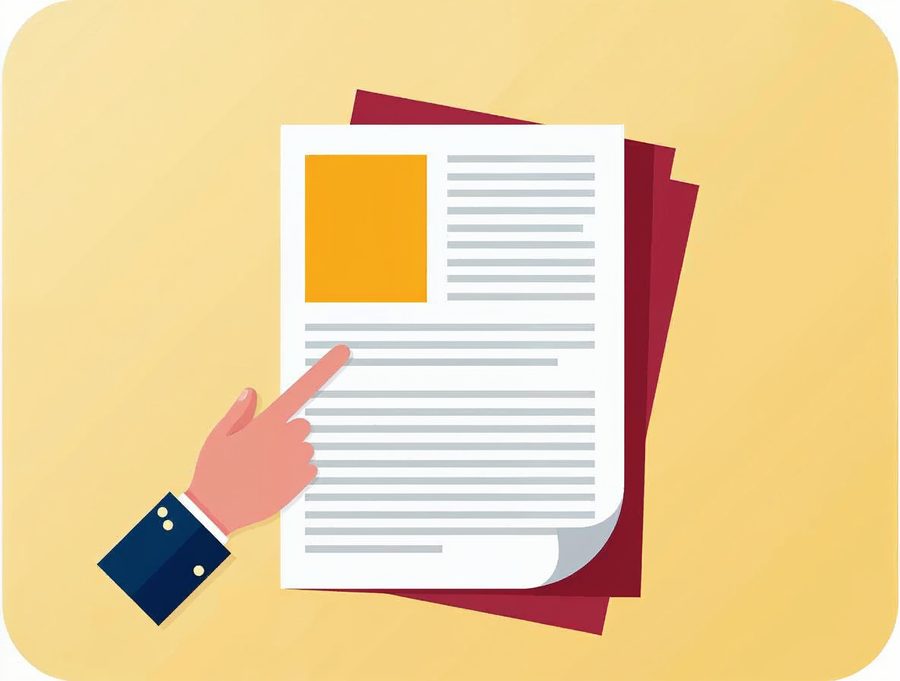
Float takes the image out of the normal flow of the page. The text then fills the space beside it. The picture stays at the edge you choose.
Set a width on the image so it does not take over the column. A width of 30 to 40 percent of the text area works well for most pages. On a phone, a narrow screen may stack the picture above the text, which is fine.
Float an image to the left
Add the style right inside the image tag. This is the quickest way.
<img src="path/to/image.jpg" style="float: left;" alt="information to describe your image" />
<p>Your text is here and it wraps around the picture.</p>
The picture sits on the left. The text wraps to the right of it. For a picture on the right, use float: right; instead.
Add space around the picture
Without a margin, the words touch the picture. A small margin fixes that. Put the style in your stylesheet so every image can use it.
.pic-left {
  float: left;
  margin: 0 15px 10px 0;
}
.pic-right {
  float: right;
  margin: 0 0 10px 15px;
}
.next-block {
  clear: both;
}
The margin values run top, right, bottom and left. Then give the image a class, such as class="pic-left". The clear rule makes a block start below the picture.
Stop the wrap when you need to
Do you want the next block to start below the picture? Add clear: both; to that block. This is useful for a new heading or a footer.
A common mistake is a short paragraph beside a tall picture. The next heading then slides up beside the image. Clear the float and the layout snaps back.
Wrap text in WordPress
WordPress writes the float for you. You do not need to touch code.
Open the post
Go to Posts > All Posts and click the post you want to change.
Click the image
Click the picture inside the editor so its toolbar appears.
Pick the alignment
Choose Align left or Align right in the toolbar. The text moves beside the picture.
Update the post
Click Update and view the page to check the result.
Do not forget alt text
If your picture does not move, check the spelling of the style. A missing semicolon or a stray quote mark stops the rule from working. Fix the typo and reload the page.
Always write an alt text that describes the image, as the example does. It helps visitors who use screen readers. It also helps search engines understand the picture.
Do you want us to handle your pictures and pages? Our Omaha web design team builds a website with up to 5 pages plus a contact page for $300, in 3 to 5 days. Call Websnoogie at 402-813-4034 any day from 7 am to 10 pm.
Common questions
What is the float property?
Float is a CSS property that moves an element to the left or right. Text and other content then flow around it.
Why does my text not wrap around the picture?
The image may be too wide for its box, or a parent element may clear the float. Make the image narrower and test again.

AboutRod and Tami Atwood
Rod and Tami Atwood and other Websnoogie contributors write the Websnoogie blog. Rod has built websites since 2004 and founded Websnoogie, LLC in Omaha in 2012. Tami is co-owner, content editor and billing expert. Call us at 402-813-4034 or write to staff@websnoogie.com.