

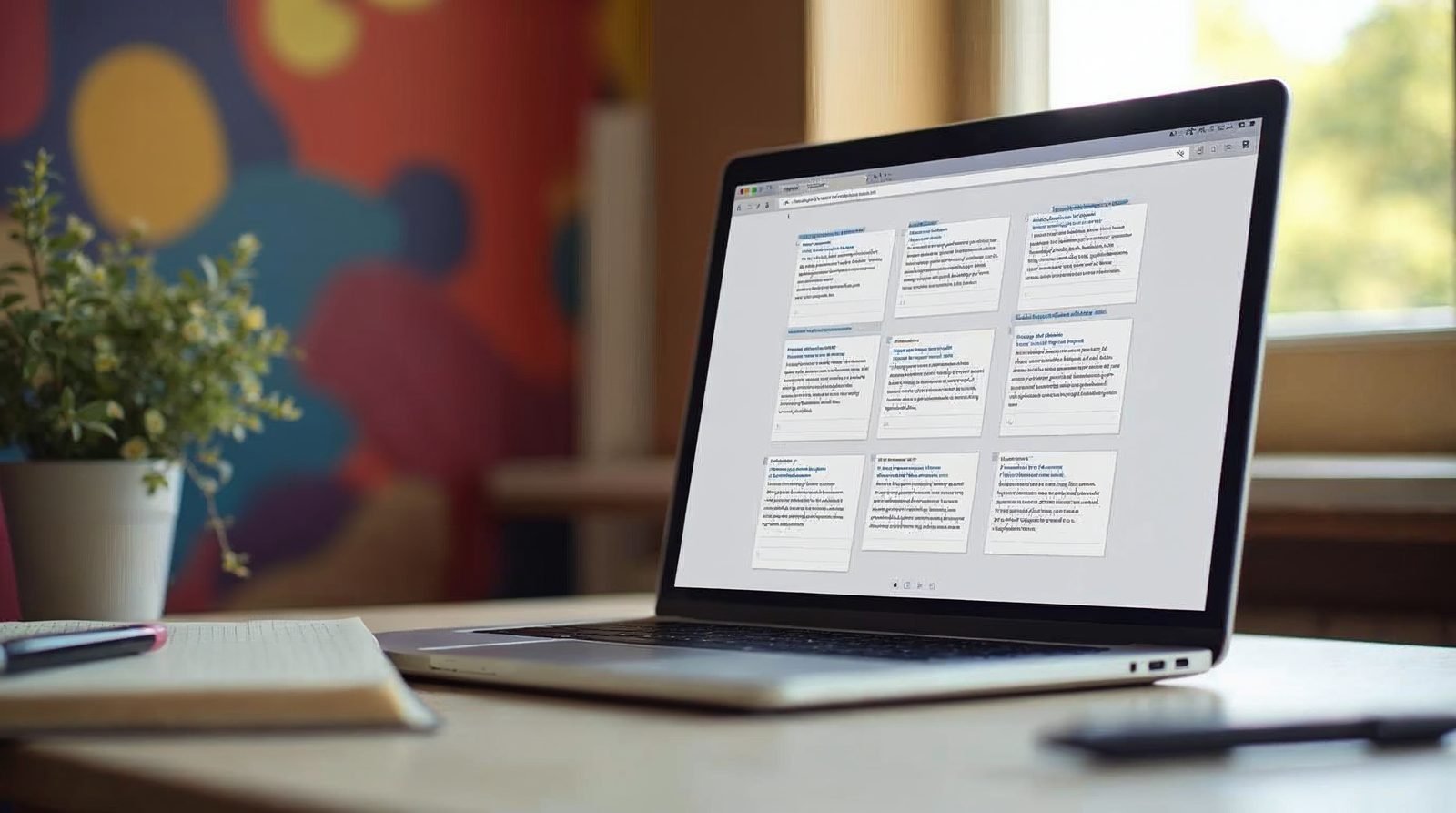
A post excerpt is a short summary of a post. You turn it on at Settings > Reading and write it in the Excerpt box on each post. Visitors then scan your list of posts and click the ones they want.
What a post excerpt does
A new WordPress site shows the whole post on the front page. Visitors must scroll through all of the text.
An excerpt shows a short summary instead. Visitors read a few lines and click to see the rest.
Your RSS feed can also show a summary of each post instead of the full text. This keeps your lists short and tidy.
Turn on summaries and write an excerpt
Do the first two steps once. Do the rest for each post.
Open Reading settings
Log in to your WordPress website. Hover over Settings on the left-hand side and click Reading.
Switch to Summary
Find the setting for each post in your feed. It is on Full Text by default. Change it to Summary and click Save.
Open a post
Hover over Posts and click All Posts. Click a post title, or hover over it and click Edit.
Show the Excerpt box
If you do not see the Excerpt box, click Screen Options at the top of the screen. Check Excerpt. The box now appears.
Write the summary
Type a short summary of your post. You can also copy a line from the post.
Click Update
Click Update on the right-hand side of the screen to save your excerpt.
Use the More tag when the theme ignores excerpts
Some themes still show the full post, even when you add an excerpt. In that case, use the More tag.
Edit your post and click in the text where you want the summary to end. Then click Insert More Tag in the buttons above the text editor.
A line separator now shows in your post. Everything above the line is the excerpt.
Click Update. Your list of posts now shows the excerpts. When a visitor clicks the post title, the entire post opens.

Tips for good excerpts
Keep an excerpt to two or three short sentences. Say what the post is about and why it helps.
Do not just repeat the title. Give the reader a reason to click.
Use plain words that match what people type into a search box. This also helps your SEO, because search engines may use the summary when they show your page.
A common mistake is a very long excerpt. If it runs past a short paragraph, shorten it.
If your excerpts do not show
First, make sure you clicked Save on the Reading page. Then clear any caching plugin and reload your front page.
Next, check that your theme uses excerpts on the list page. Some themes ignore them. The More tag fixes this.
If you still do not see a change, we can look at your theme for you. Websnoogie in Omaha helps with WordPress questions. Call us at 402-813-4034 any day from 7 am to 10 pm.
Common questions
Where do I write a post excerpt?
Edit the post and use the Excerpt box. If you do not see it, click Screen Options at the top and check Excerpt.
Why does my site still show the full post?
Your theme may ignore excerpts. Use the More tag to mark where the summary ends.

AboutRod and Tami Atwood
Rod and Tami Atwood and other Websnoogie contributors write the Websnoogie blog. Rod has built websites since 2004 and founded Websnoogie, LLC in Omaha in 2012. Tami is co-owner, content editor and billing expert. Call us at 402-813-4034 or write to staff@websnoogie.com.