
You build a page in WordPress from Pages > Add New. Type a title, add your text and pictures, then click Publish. The editor works much like a word processor, so you do not need to know code.
What you are working with
WordPress is a content management system (CMS). It lets you change your site without writing code. Our WordPress glossary entry has more background.
The editor is called a WYSIWYG editor. That stands for what you see is what you get. It is said wiz-zee-wig.
It lets you add or change text, add pictures and pick font styles and sizes. We install an advanced editor that works even more like a word processor.
We also offer an instant WordPress installer, so you can put your WordPress website online in seconds.
How to build a page
Set aside ten minutes for your first page. It gets faster each time.
Log in
Go to yourdomain.com/wp-admin and enter your user name and password.
Add a new page
Click Pages, then Add New. A blank editor opens.
Type a title
Enter a clear title at the top. Visitors and search engines both read it.
Write your text
Type in the editor. Press Enter for a new paragraph and use the style drop-down for headings.
Add a picture
Click Add Media to put a picture on the page. Pick one from the library or upload a new one.
Preview
Click Preview to check the page as visitors will see it. Look at it on your phone too.
Publish
Click Publish to make the page live.
Draft first, publish when ready
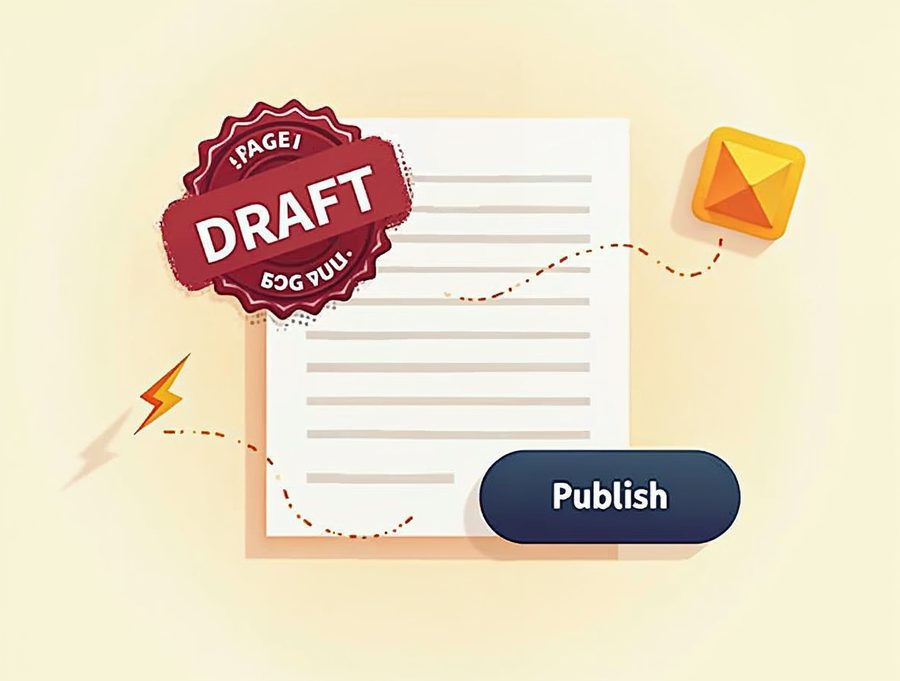
Nothing shows on your site until you click Publish. You can use Save Draft while you keep working.
A draft is private. Only people who log in can see it. Come back any time and finish it.
After you publish, add the page to your menu under Appearance > Menus. If you skip this step, visitors may not find it.
Tips for a better page
Keep your page title short and clear. It shows in browser tabs and in search results.
Give each page one job. A page about your services should not also tell your life story.
Use short paragraphs and clear headings. People scan before they read.
Add a description of each picture in the alt text field. It helps visitors who use screen readers.
Check your phone number and hours before you publish. Wrong contact details cost you calls.
Read the page out loud once. If a sentence is hard to say, it is hard to read. Shorten it. Short pages are easier to finish and to keep fresh.
If something goes wrong, do not panic. WordPress keeps older versions of a page. Open the page, look for Revisions in the right-hand panel and restore the one you want.
Would you rather have us build it?
If you would rather have us build it, a new website costs $300. That covers up to 5 pages plus a contact page. We finish it in 3 to 5 days.
Call Websnoogie in Omaha at 402-813-4034 any day from 7 am to 10 pm, or ask us about your WordPress website.

AboutRod and Tami Atwood
Rod and Tami Atwood and other Websnoogie contributors write the Websnoogie blog. Rod has built websites since 2004 and founded Websnoogie, LLC in Omaha in 2012. Tami is co-owner, content editor and billing expert. Call us at 402-813-4034 or write to staff@websnoogie.com.