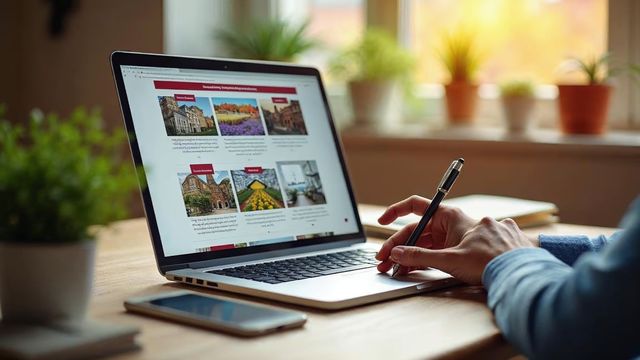


WordPress is the fastest way for a beginner to build a website. It has a friendly dashboard and many free guides. Get a domain and hosting, use the one-click installer, pick a theme and add pages with block patterns.
Why WordPress suits beginners
People often ask us whether building a WordPress website works for beginners. It does. WordPress is simple and flexible, and you can build a professional site without being a tech expert.
Here is why we recommend it to newcomers. The dashboard is friendly. Themes make your site look good with little effort. The plugin library adds features as your site grows. A global community is ready to help.
One-click installs and ready-made block patterns let you build fast with no coding.
The fast path, step by step
Follow these steps in order. Each one is short.
Pick and buy a domain
Choose a name like yourbusiness.com and register it. We register domains for $24.99.
Choose WordPress hosting
Hosting is the land where you build your site. Our CMS hosting costs $149 a year, and a domain with CMS hosting together costs $173.99.
Use the one-click installer
Log in to your hosting account, open the control panel and look for the WordPress icon or auto-installer. Follow the prompts.
Choose a theme
Go to Appearance > Themes, pick one that suits your content, then use Appearance > Customize to set your logo, colors and menus.
Add pages with block patterns
Create a page under Pages > Add New. Click the plus button, open the Patterns tab and insert a ready-made section.
Preview and publish
Click Preview to check the page, then click Publish. Repeat for your About and Contact pages.
Add a post
Go to Posts > Add New, write a clear title and text, and click Publish. Posts keep your site fresh.
Learn the dashboard
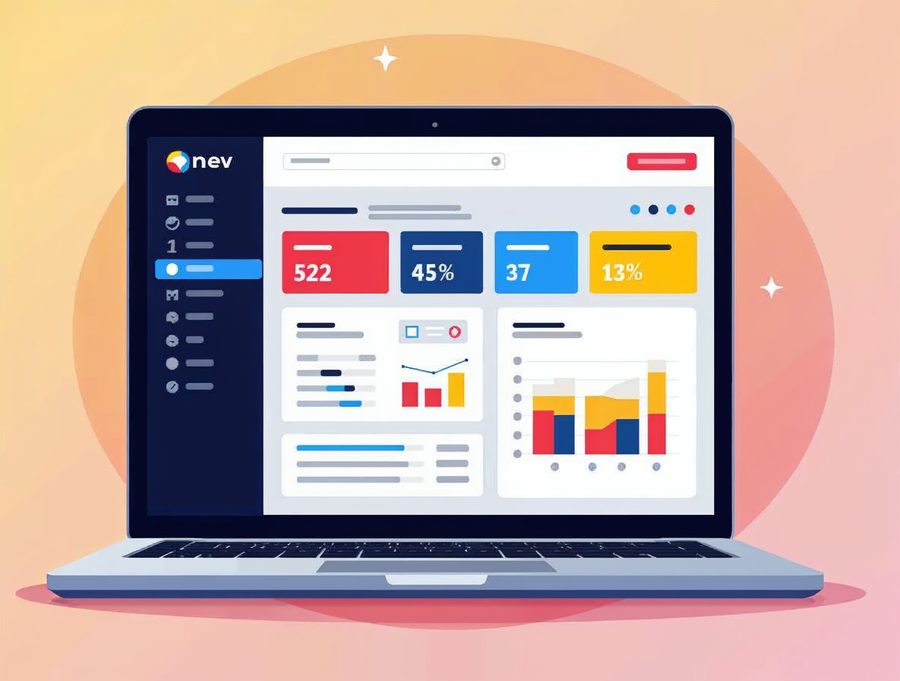
After you log in, you see the dashboard. It is your control center. Posts holds your blog entries. Media is your library for pictures and files.
Pages holds fixed content like About and Contact. Appearance controls your theme and menus. Plugins adds features. Settings changes your site-wide options.
The Gutenberg editor is block-based. You stack and move text, images and videos like building blocks. The more you use it, the easier it gets.
Plugins: add only what you need
Plugins add features, from SEO tools to contact forms. To install one, go to Plugins > Add New, search by name, click Install Now, then Activate.
Choose carefully, because some slow your site or add security risks. Deactivate plugins you do not use, and keep the rest updated.
A contact form plugin, a backup plugin and an SEO plugin cover most small sites.
When to ask for help
Professional help makes sense for online stores or sites with custom features. It also helps when security or updates feel overwhelming.
We offer web design, web hosting and SEO for small businesses and nonprofits. A new website costs $300 for up to 5 pages plus a contact page, and takes 3 to 5 days. SEO costs $190 a month.
We also move a normal-size WordPress website to our hosting for free. Larger sites cost $199 one time.
Call Websnoogie in Omaha at 402-813-4034 any day from 7 am to 10 pm, or use our contact form.
Common questions
Can a beginner build a website with WordPress?
Yes. WordPress has a friendly dashboard, ready-made themes and block patterns, so you do not need to code.
What are block patterns in WordPress?
Block patterns are ready-made sections and layouts. You insert one with a couple of clicks and then change the text.
Can I get help if I am stuck?
Yes. Call us at 402-813-4034 or use our contact form and we will look at your site with you.

AboutRod and Tami Atwood
Rod and Tami Atwood and other Websnoogie contributors write the Websnoogie blog. Rod has built websites since 2004 and founded Websnoogie, LLC in Omaha in 2012. Tami is co-owner, content editor and billing expert. Call us at 402-813-4034 or write to staff@websnoogie.com.