
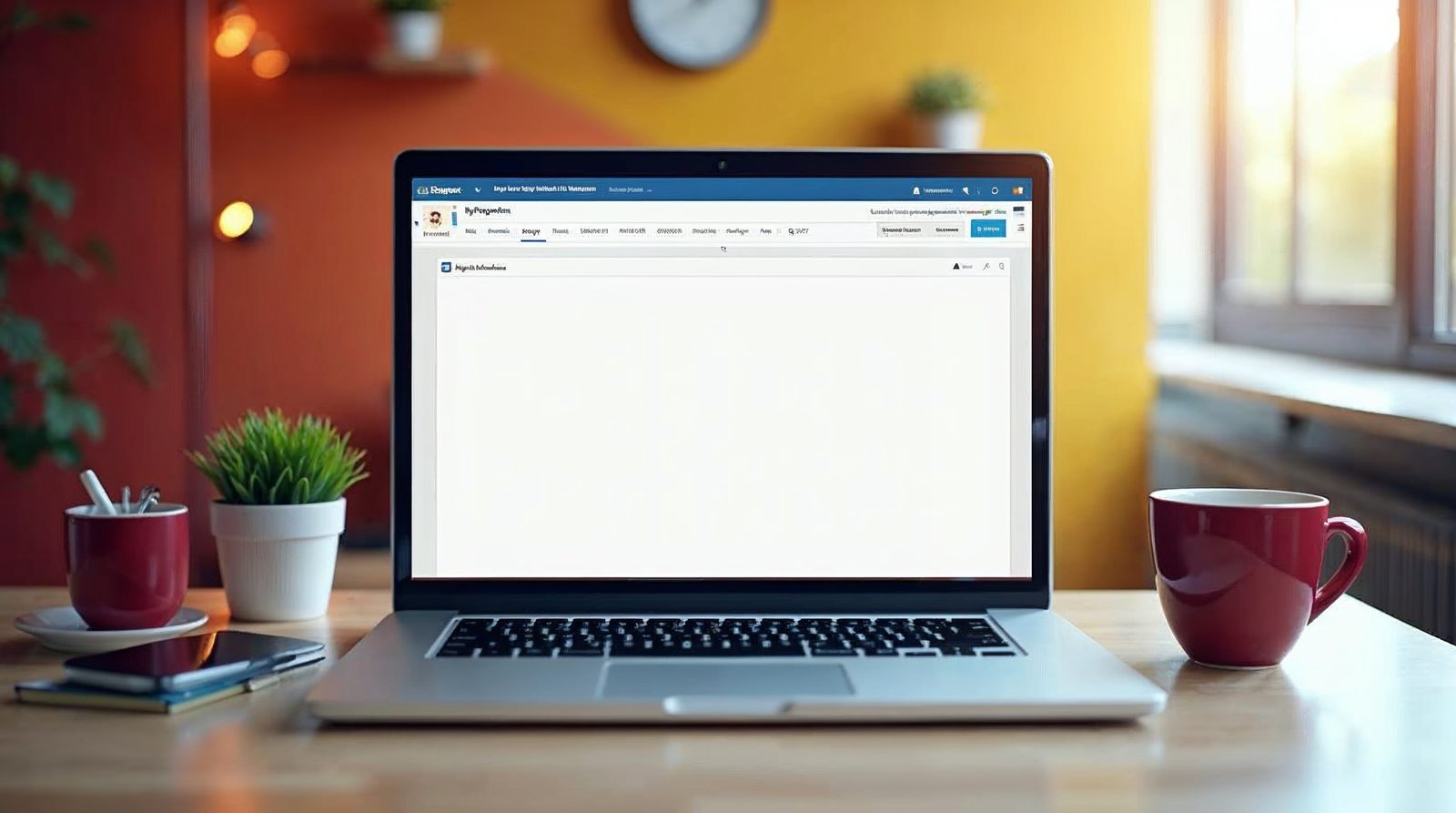
You add a heading in WordPress by selecting your text and choosing a heading style from the format drop-down in the editor. WordPress offers six levels, from Heading 1 to Heading 6. Headings give your readers a clear outline and tell search engines which points matter most.
Why headings matter
A heading is a short title above a block of text. It tells your reader what the next part is about.
Visitors rarely read every word. They scan, so clear headings help them find the answer fast.
Search engines also read your headings. They use them to learn which points on the page matter most.
Add a heading in the visual editor
Follow these steps in the classic visual editor on your WordPress website.
Open your post or page
Go to Posts > All Posts or Pages > All Pages and click the one you want to edit.
Show the second toolbar row
Click the Show Kitchen Sink button at the top right of the content toolbar. The row with the style drop-down appears.
Highlight your text
Select the line you want to turn into a heading. The default style for normal text is Paragraph.
Pick a heading style
Open the drop-down and choose a level from Heading 1 to Heading 6.
Save or publish
Click Save Draft to keep your work private, or click Publish or Update to make it live.
Which heading level should you use?
Heading 1 is the largest and most important. Search engines give the H1 tag a lot of weight, so use it once per page for the main title.
Each level after it is a little smaller. Use Heading 2 for the main sections and Heading 3 for points inside a section.
Headings 4 to 6 are rarely needed on a small business site. Do not skip levels, such as jumping from Heading 2 to Heading 5.

Common mistakes to avoid
Do not make text bold just to look like a heading. A bold line is not a heading, so search engines and screen readers ignore it.
Keep each heading short and clear. A good heading names the topic in a few words.
Many WordPress themes already make the page title an H1. If that is true for yours, start your own headings at Heading 2. You can check by viewing your page and comparing it to the editor.
If the style menu is missing
If you cannot see the style drop-down, the toolbar shows only one row. Click the Show Kitchen Sink button to open the second row.
Newer versions of WordPress use blocks. In that editor, click the plus button, choose Heading and pick a level in the block toolbar. The steps differ, but the idea is the same.
Learn more about the platform in our WordPress glossary entry. If you want help with your WordPress site, call Websnoogie in Omaha at 402-813-4034 any day from 7 am to 10 pm.
Common questions
How many heading styles does WordPress have?
WordPress has six heading styles, from Heading 1 to Heading 6. Heading 1 is the largest and Heading 6 is the smallest.
How many H1 headings should a page have?
Use one H1 on each page for the main title. Use Heading 2 and below for the sections.

AboutRod and Tami Atwood
Rod and Tami Atwood and other Websnoogie contributors write the Websnoogie blog. Rod has built websites since 2004 and founded Websnoogie, LLC in Omaha in 2012. Tami is co-owner, content editor and billing expert. Call us at 402-813-4034 or write to staff@websnoogie.com.