
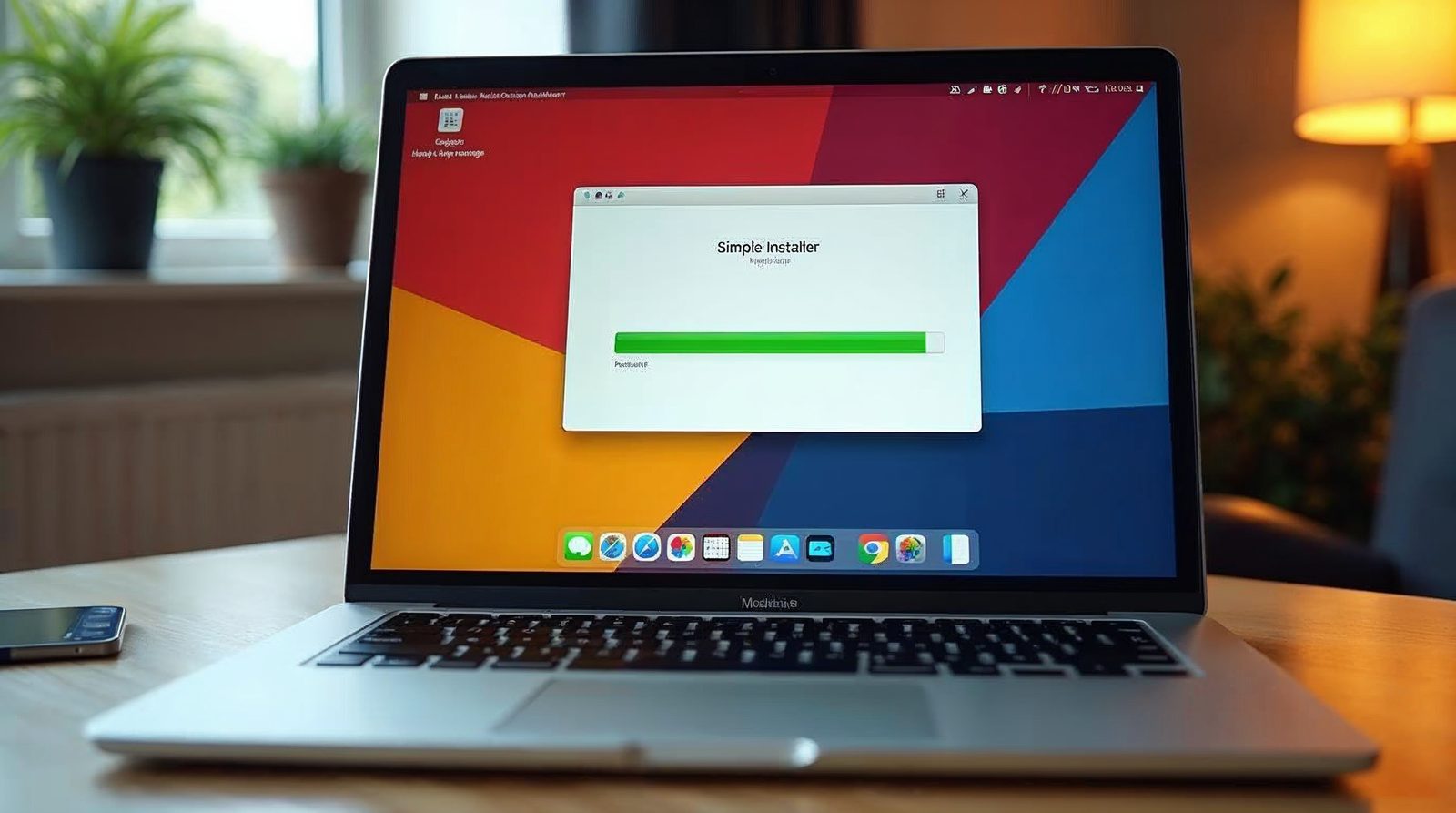
We no longer use QuickInstall. We use our own application installer, which has over 100 apps, including WordPress. This guide explains how QuickInstall worked and what to do after any WordPress install.
What QuickInstall was
QuickInstall was a tool in the control panel that set up WordPress for you. It saved you from doing the setup by hand.
We liked it because it installed a current version of WordPress, so you did not have to update it after installing. It also set up a strong password.
Our own installer now does this job. It has over 100 apps, and WordPress is one of them.
How the install worked
These were the steps in QuickInstall. Our installer asks for much the same details.
Open the installer
Log in to your control panel and open the application installer.
Choose WordPress
Click WordPress from the list of apps.
Enter your details
Type your admin username and your email address. If you wish, add your first and last name.
Click Install
The install took about 15 seconds. Your new WordPress website was ready when it finished.
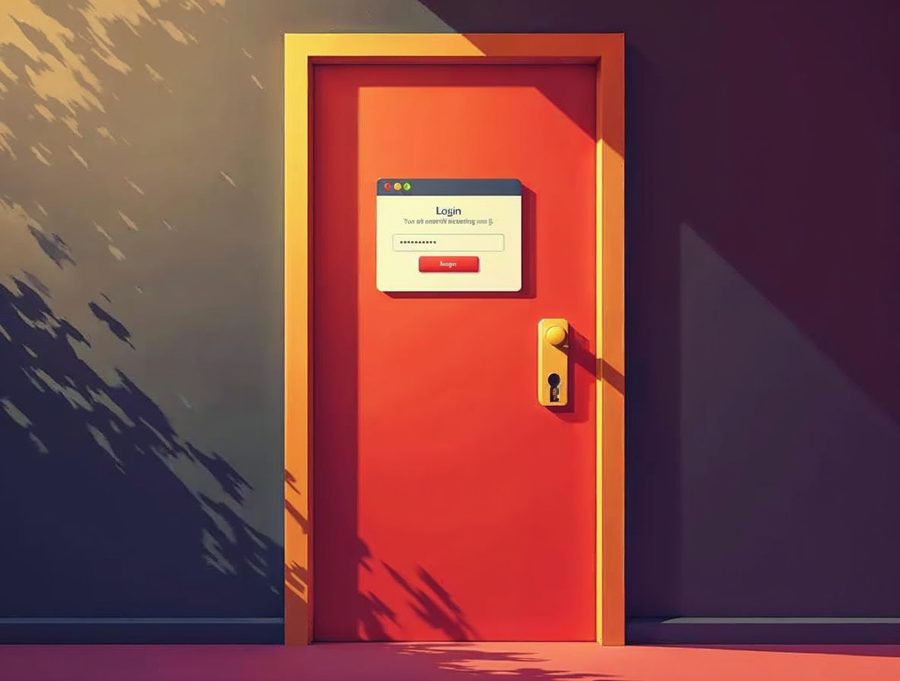
Log in to your new site
After the install, go to your domain name followed by /wp-admin. For example, type yourdomain.com/wp-admin in the address bar.
Use the admin username and password you chose. The dashboard opens first. Read how to use the dashboard in WordPress.
From there you can write posts and add pages. Save your password in a safe place.
What to do right after any WordPress install
First, log in and look around the dashboard. Open Settings > General and check that the site title and time zone are right.
Next, open Settings > Permalinks and choose Post name. That gives your pages clean web addresses that are easy to read and share.
Then delete the sample post and page that come with a new site. Add your own home page, about page and contact page.
Finally, pick a theme under Appearance > Themes. A simple theme is easier to keep fast and safe.
Keep your site updated
A fresh install is current today, but updates keep coming. Open Dashboard > Updates every week or two. Back up your site first.
Our hosting makes a daily backup, so we can restore your site if an update goes wrong.
If you would rather not do it yourself
If you would rather have us build the site, a new website is $300 and takes 3 to 5 days. The price covers up to 5 pages plus a contact page.
WordPress runs on our WordPress hosting, which costs $149 a year. Hosting includes free SSL, daily backups, security monitoring and 99.999% uptime.
Call us or fill out our contact form if you have any questions. If you want help with your WordPress site, call Websnoogie in Omaha at 402-813-4034 any day from 7 am to 10 pm.
Common questions
Does Websnoogie still use QuickInstall?
No. We use our own application installer, which has over 100 apps, including WordPress.
How long did a QuickInstall WordPress install take?
About 15 seconds. After it finished, you logged in at your domain name followed by /wp-admin.

AboutRod and Tami Atwood
Rod and Tami Atwood and other Websnoogie contributors write the Websnoogie blog. Rod has built websites since 2004 and founded Websnoogie, LLC in Omaha in 2012. Tami is co-owner, content editor and billing expert. Call us at 402-813-4034 or write to staff@websnoogie.com.